
Product
Find the people. Buzz does the rest.
Buzzlist is one place to find people, write to them and send. Search the Buzzlist database, then let Buzz research, write, send and handle replies.
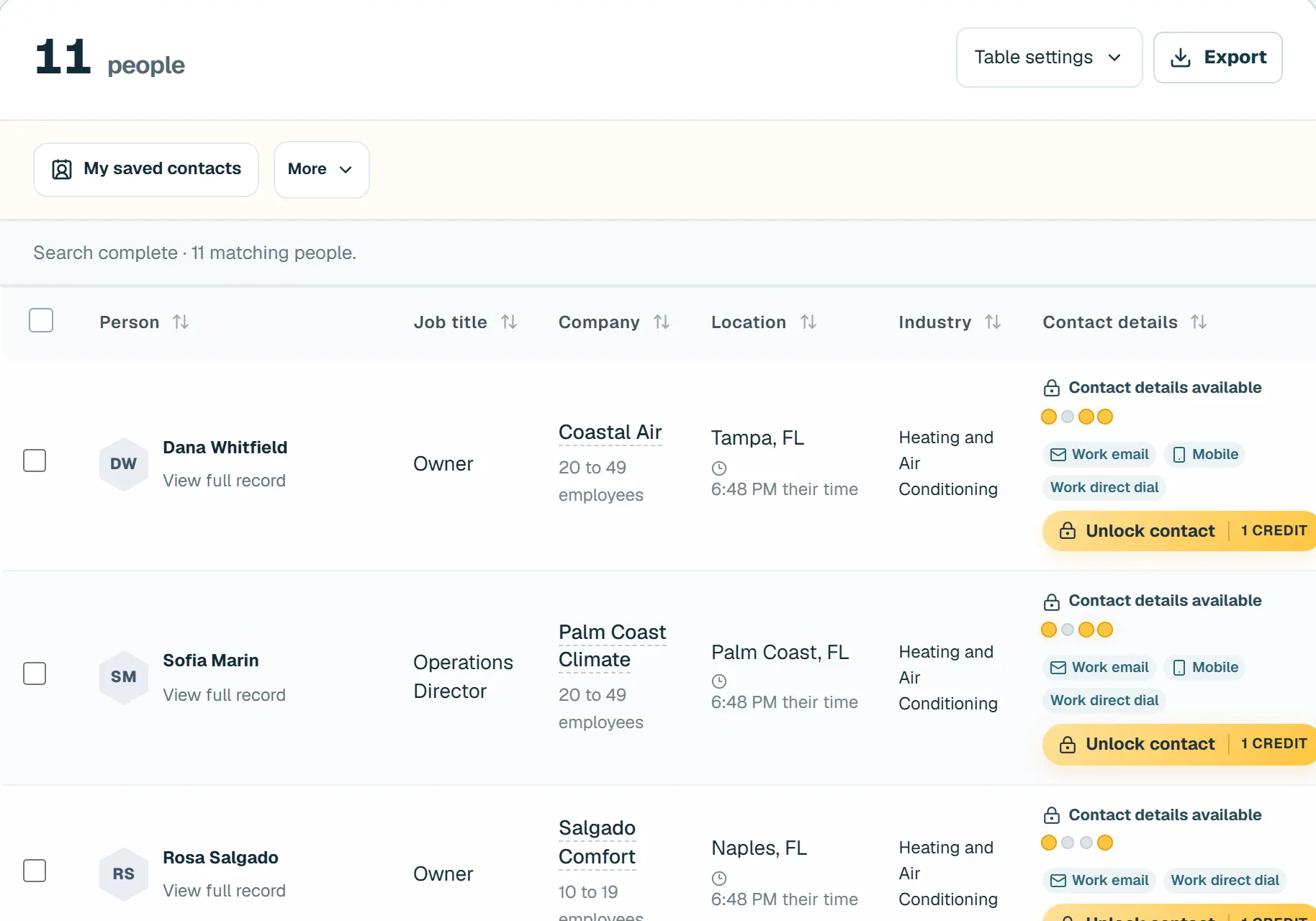
Find
How do I find the right people?
Type who you want in a sentence, or use filters. You see the real number of people who match before you spend anything.
- Business or consumer. Search by role, industry, size and place, or households by income, age and homeowner status.
- Find more like this. Lookalike companies from a company, a person or your wins, with the reason for each.
- Bring your own list. Import contacts and Buzz fills in what is missing after you approve the credits.
Write
How does Buzz write each email?
Buzz reads your website and builds your Hive: what you sell, who buys and your voice. Then it researches each person and writes connected emails.
- Checked before sending. Generic or repeated copy is rewritten or held back.
- Sales Briefs. One account: why them, why now, who matters and what to say. Starter includes 5 a month, Growth 50, Queen 200.
- Subject tests. After 50 people each, the subject with more replies goes to everyone left.
Send · Starter, Growth and Queen
How does Buzz send without hurting my reputation?
Buzz Send sends from the mailboxes you connect, at a gradual pace, with an unsubscribe in every email.
- Buzz asks before it sends. Buzz waits for your OK on the first 5 emails. After 3 clean groups it earns an hour hold, and goes back to asking on bounces or a complaint.
- Buzz handles replies. Follow ups stop on reply, and Buzz drafts each answer for you.
- Your own campaigns. Write your own emails in Buzz Send, or let Buzz write them.
Waggle · Growth and Queen
Who is already paying attention to your market?
Choose your company pages, competitors or other businesses on LinkedIn. Waggle watches who reacts and comments, then helps you find the people who fit your business.
- See who engaged with a company page. See the person, what they engaged with and why they may be worth reaching.
- Only people who fit your Hive. Buzz checks each person against the customers you actually want before adding them to your list.
- Checked every day. Growth tracks up to 5 company pages. Queen tracks up to 25. Customer access is rolling out.
Learn
How does Buzz get better over time?
- The Scoreboard. Mark Meeting booked or Won, and your Hive learns who says yes.
- Your weekly briefing. What happened this week and what to do next.
- Buzzlist uses bounces and replies from every customer to clean the data. Buzzlist uses every check, bounce and reply to clean its database for all customers.
- Buzz for Chrome. See fit and who to contact on any company site. Coming to the Chrome Web Store.
Queen · invite only
What is Queen?
Queen finds opportunities, picks who to contact, writes and follows up, then hands you the conversations that need you. Coming soon on the Queen plan.
 FIND → WRITE → SENDpaid plans
Coming soon
What is coming next?
- Teams, roles and approvals. Coming soon.
- Company sign-in (SSO). Coming soon.
- Sending at larger scale. Coming soon.
Questions
Questions about the product
Can I search without using the AI?
Yes. Every search can be built from filters alone, and Free has every filter open.
Can I search consumers as well as businesses?
Yes. Consumer search has its own filters, such as location, income range, age range and homeowner status.
Can Buzzlist send the emails it writes?
Yes, on Starter, Growth and Queen, from the mailboxes you connect. You can also export them.
What does it cost?
Free is $0 with 100 contacts a month. Starter is $97, Growth $497 and Queen $1,497 a month, month to month.
Start with 100 free contacts a month.
No credit cardNo demo call