Reveal contact details
Confirm before using a contact. Reopening someone already revealed is free.
Buzzlist for your browser
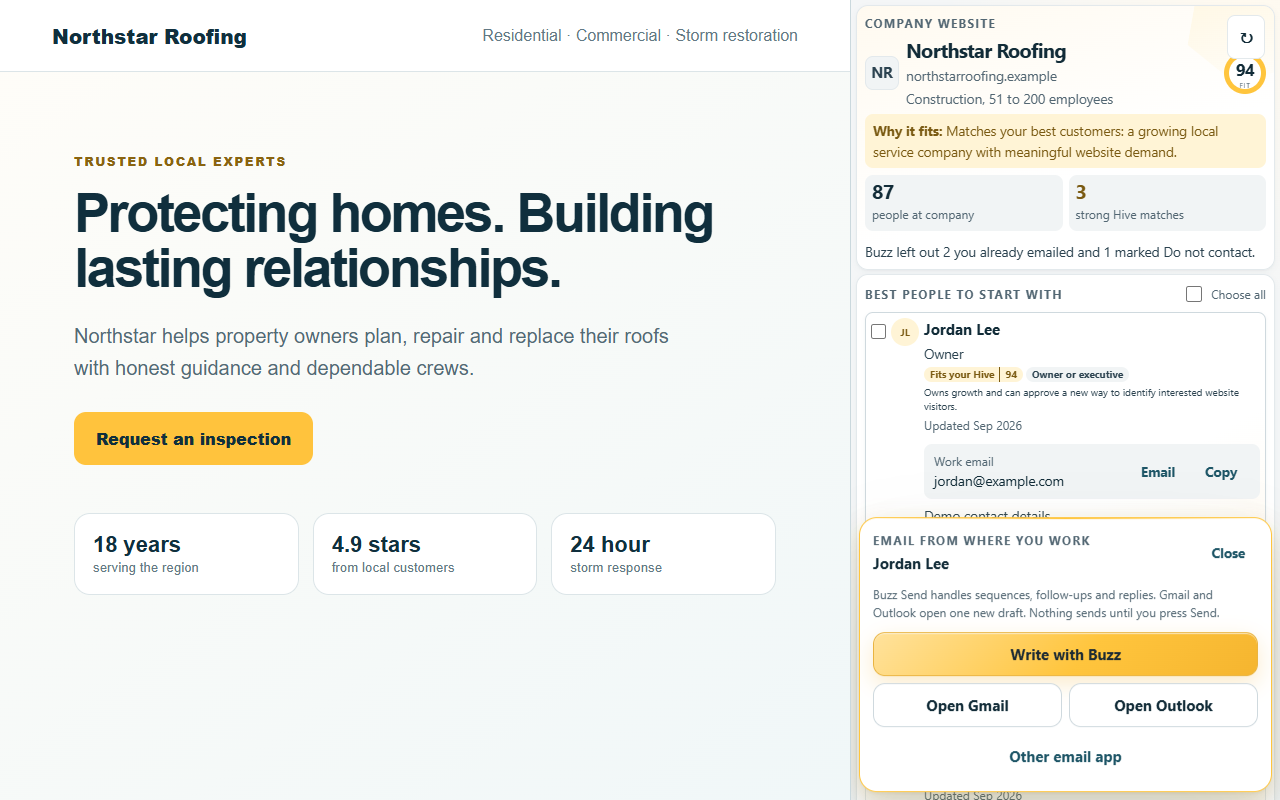
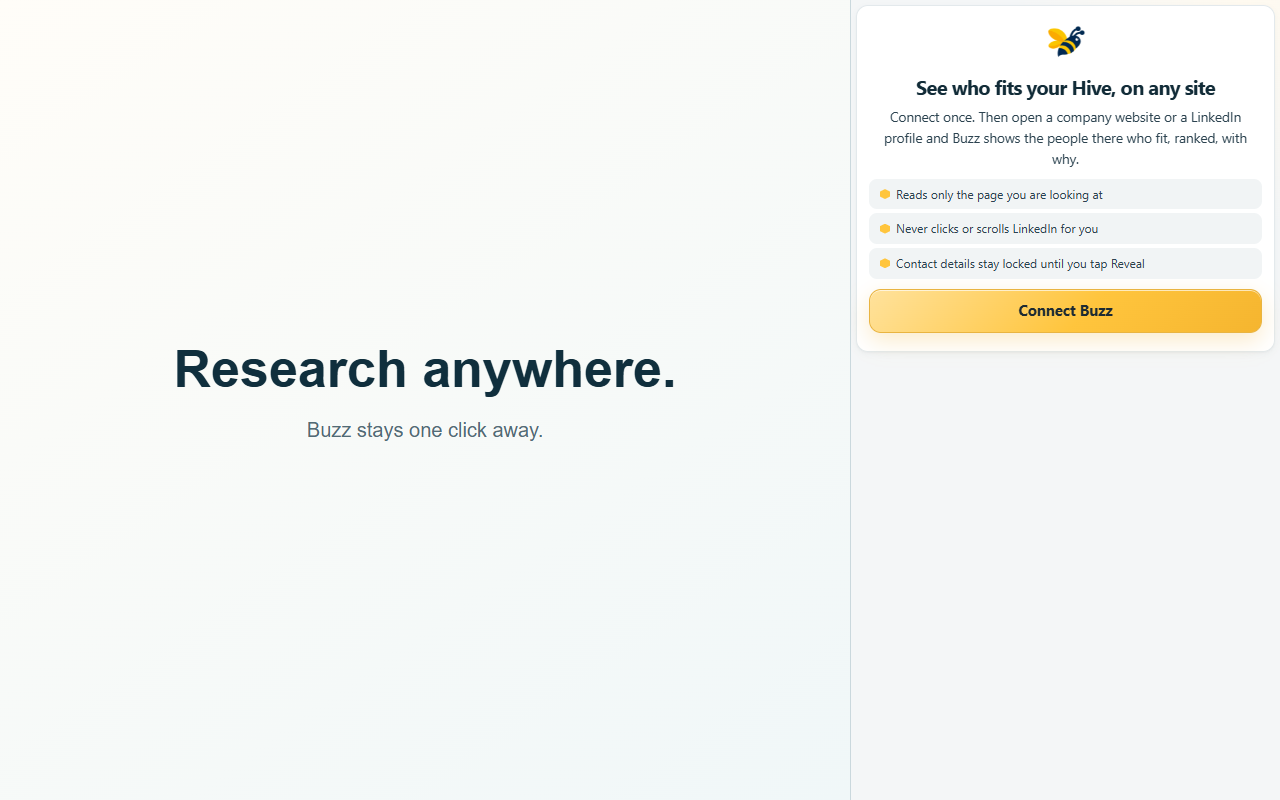
Open a company website or LinkedIn profile. Buzzlist shows who works there, who fits your Hive, and what to do next. No tab maze. No copying company names into another tool.
Free plan works. Names and titles are free to see. A contact is used only when you choose to reveal details.
Browse normally.
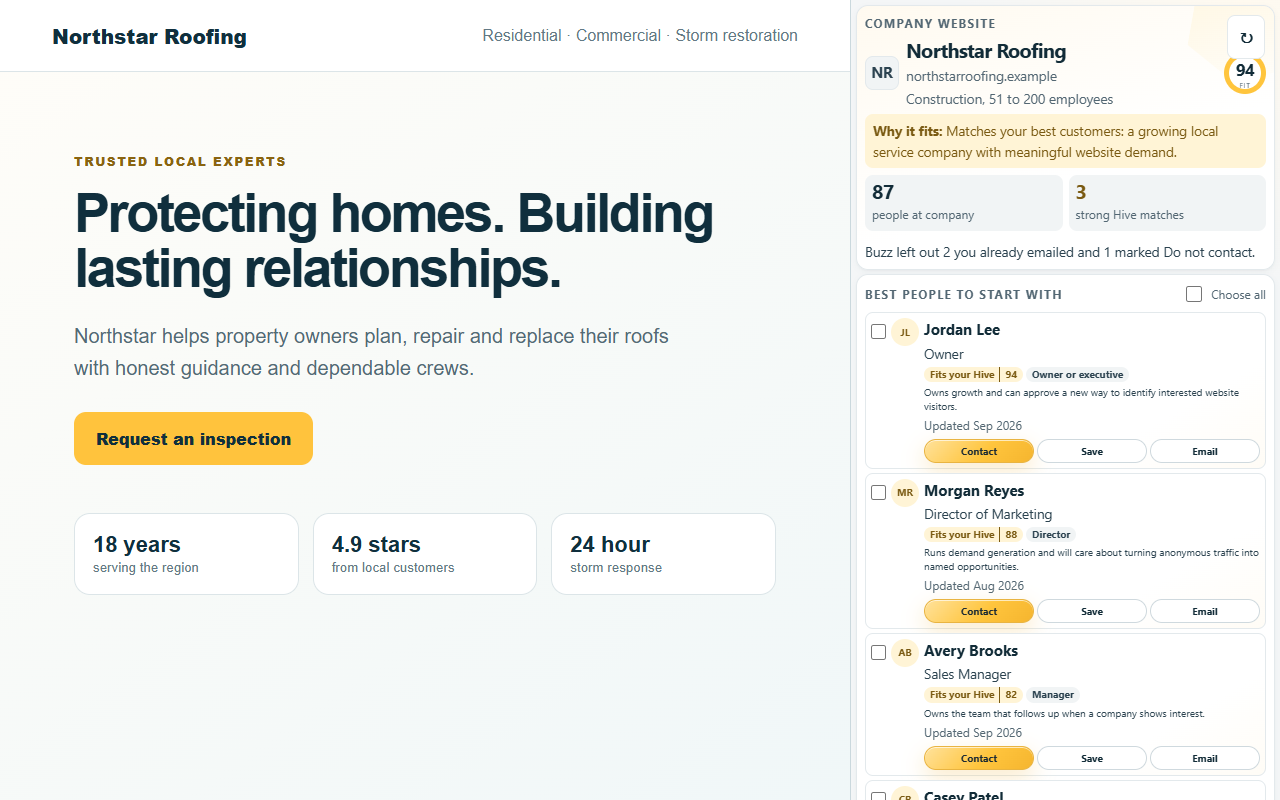
On any company website
Buzz reads the website address, finds the company, and brings the right people into a side panel. Your Hive matches rise to the top, with a plain-English reason they fit.
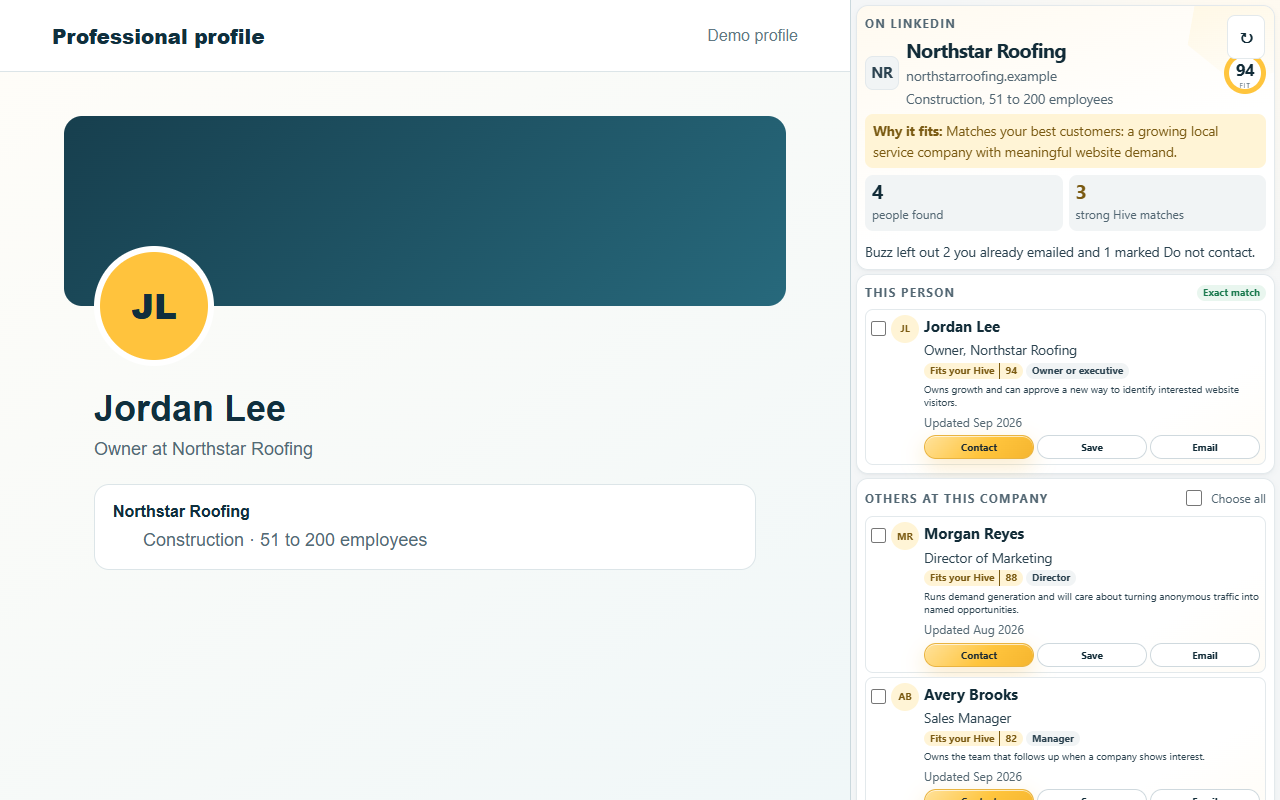
On LinkedIn
Open a public LinkedIn profile and Buzz puts that person first when it can identify them. Below that, you see other strong people at the same company.
One panel. Real actions.
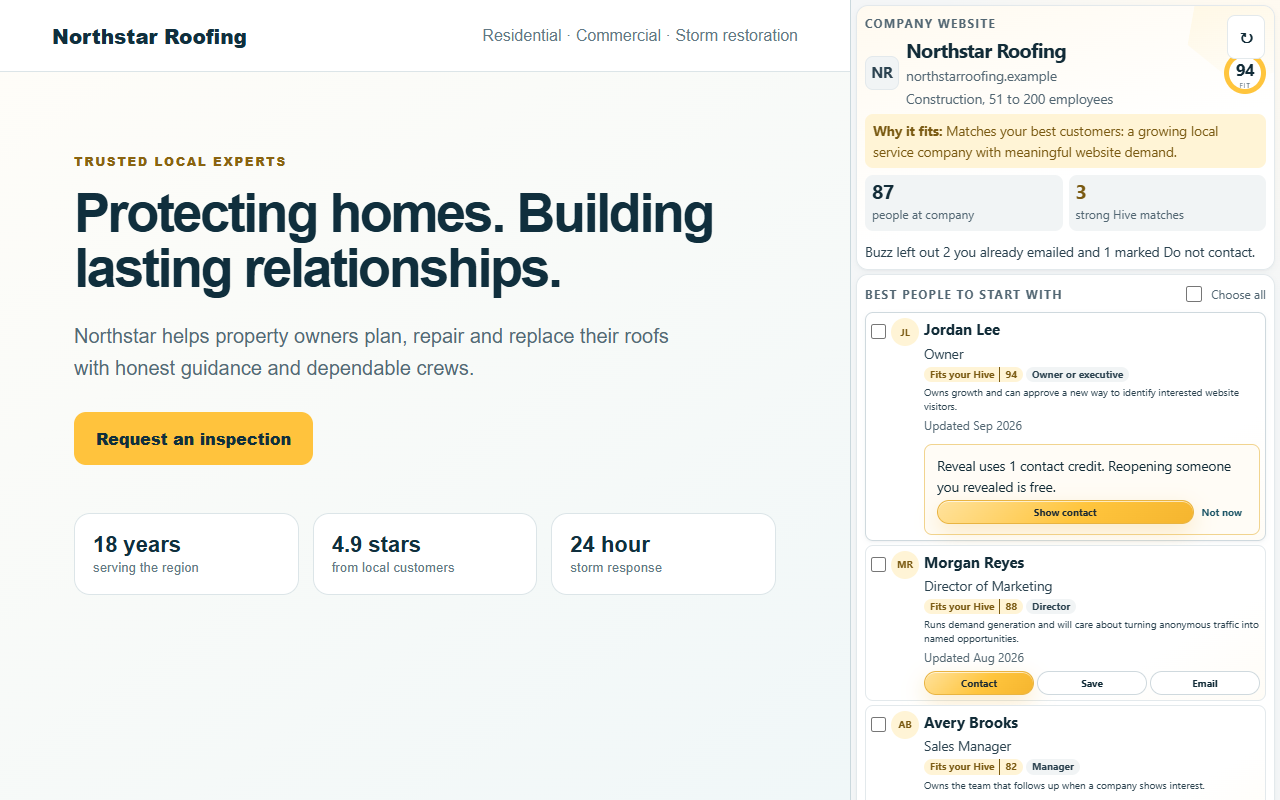
Finding a name is only the first step. Buzz keeps the actions where you need them, so a promising person does not disappear into another tab.
Confirm before using a contact. Reopening someone already revealed is free.
Keep people organized for research, export or a future campaign.
Open Gmail or Outlook, or send the person into Buzz Send.
A free plan you can use
Install the extension, connect your Buzzlist account, and browse. Names, titles and company matches are free to see. Reveal details only when the person is worth a contact.
Private by design
Buzz uses the company website or LinkedIn page you are actively viewing.
It does not build a record of the other sites you visit.
It does not click, scroll, connect or send messages on LinkedIn for you.
Four short steps
Install from the Chrome Web Store.
Sign in once with your Buzzlist account.
Buzz recognizes the page you are viewing.
Reveal, save or email the right person.

Take Buzz with you
Install the free browser extension and make the next company website useful.
Add Buzzlist to Chrome, free